

It’s funny how a single conversation can change your entire perspective. Early in my career, I was chatting with a friend at a small, ambitious startup. They had built a beautiful web site, full of dynamic visuals and trendy animations, only later to realise that for a segment of their audience, the site simply did not work with keyboard navigation or a screen reader. That moment stuck with me, and shapes how I now talk about website accessibility standards, because the stakes are real, the terrain is dense, but it’s deeply worthwhile.
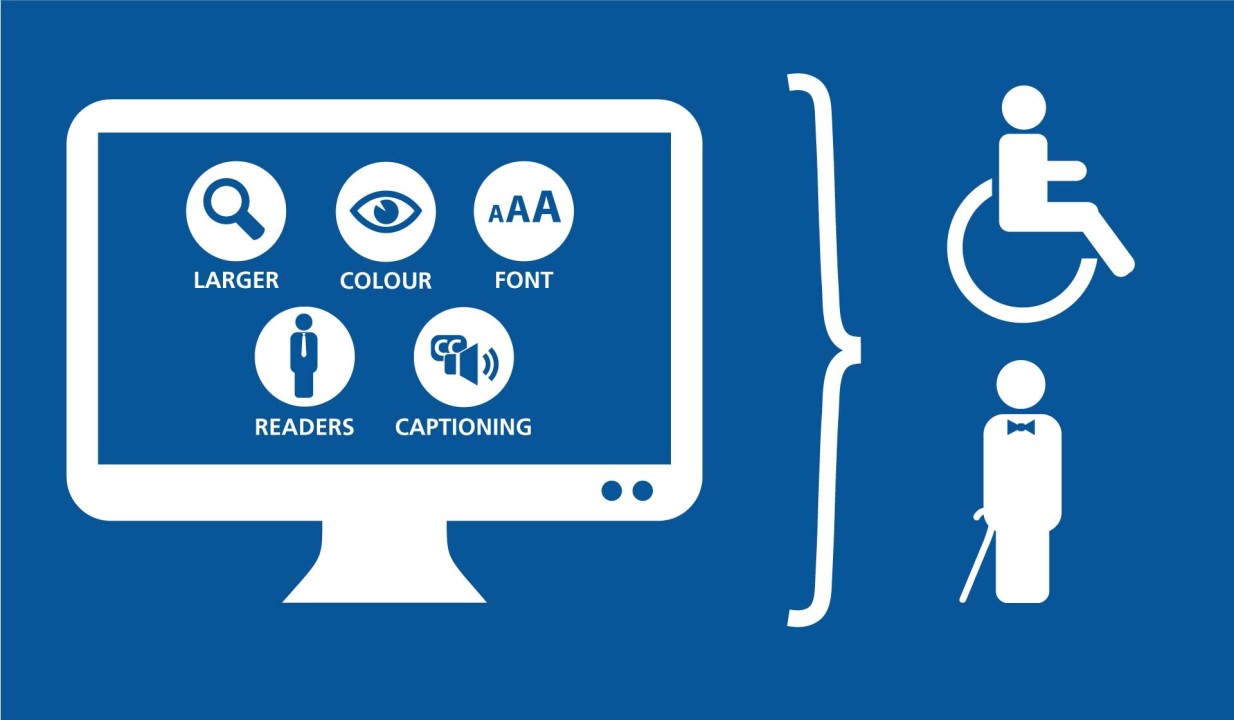
Website accessibility standards refers to the frameworks and rules which ensure a website works well for people with disabilities, whether they are using assistive technologies, alternative navigation methods, or different web devices. These standards don’t just help a subset of users; they often raise the usability bar for everyone.
What are Website Accessibility Standards and Where They Come From
When we say “website accessibility standards”, we’re pointing to formal guidelines and legal/regulatory frameworks that define how digital content should perform for users with diverse needs. One of the most widely referenced is the set of guidelines from the Web Content Accessibility Guidelines (WCAG), produced by the World Wide Web Consortium (W3C).
For a bit of history, WCAG 2.0 was published back in 2008, then WCAG 2.1 came out in 2018, and more recently WCAG 2.2 was approved in 2023. These guidelines are designed to be “stable, referenceable, technical standards”.
Beyond WCAG, many jurisdictions reference or embed these standards into law or procurement policy. For example, in the United States, a recent update to the rule governing web content for state and local governments sets WCAG 2.1 Level AA as the required benchmark. In Europe, the EN 301 549 standard (tied to ICT procurement) references WCAG as well.
In simple terms: website accessibility standards tell us how a website should work so it can be used by people with a variety of abilities, whether they have low vision, use a keyboard instead of a mouse, rely on captions, or face other challenges.
Key Principles Behind the standards
To make sense of how these standards are built (and applied), it helps to understand the four overarching principles encapsulated in WCAG. These are often labelled by the acronym POUR: Perceivable, Operable, Understandable, Robust.
Perceivable
If content cannot be seen, heard, or otherwise perceived by someone’s senses (or assistive tech), the experience fails. So standards require things like text alternatives for images, captions for videos, and content that can be presented in different ways.
Operable
Once content is perceived, users must be able to navigate and interact with it. That means keyboard-readiness, predictable UI behaviour, giving users enough time, and avoiding components that trap focus or rely solely on a mouse.
Understandable
It’s not enough to see and operate something, you must also make sense of it. Forms must clarify errors, instructions must be clear, and content must operate in predictable ways. Semantic structure in HTML plays a role.
Robust
Finally, the content must be robust enough that it works across a variety of devices and assistive technologies, meaning the code behind the scenes matters (semantic HTML, ARIA where needed, valid markup).
Putting these together gives you a lens: whenever you evaluate a site, you can ask “Can this person see the content? Use the content? Understand the content? And does it work on their tech?” The more you apply that lens, the less abstract this becomes.
Where Website Accessibility Standards Intersect with Law and Regulation
One of the reasons more organisations are paying attention is because these guidelines are increasingly tied into legal obligations and risk. I recall reviewing a website for a non-profit: the project lead believed “we’ll sort accessibility later”, but when we explored their public funding contract, accessible web content was explicitly required. That reality check changed their roadmap.
In the U.S., a key document from U.S. Department of Justice (DOJ) asserts that state and local government web content and mobile apps “usually need to meet WCAG 2.1 Level AA.” That means for many public agencies and organisations under contract, meeting those benchmarks isn’t optional.
In Europe, national laws and the EN 301 549 standard govern accessibility in ICT procurement and public services. (In simple terms: if you’re selling or building websites for public sector organisations in many regions, you should assume WCAG-type compliance will be required.)
There’s also reputational and user-experience risk. A website that fails for a segment of users can become a public-relations liability.
Earlier I mentioned the startup scenario: the founders didn’t fully anticipate the public scrutiny when a disability advocate pointed out their site’s keyboard traps. Sudden attention from users who are excluded raises harder questions than “we’ll fix this later”.
So, alignment with website accessibility standards becomes both a responsible approach and increasingly a requirement, though the pathways differ by country, by public/private sector, by procurement rules.
What a Real-World Compliance Process Looks Like
Technical standards are one thing; putting them into practice is another. Here’s how teams I’ve worked with tend to approach it… and where the friction lies.
Define scope
Before any audit, you need to scope what content or functionality must comply. Will you cover only the marketing site? The customer portal? PDFs and downloadable documents? Embedded third-party widgets? The threshold matters.
One organisation I advised, Fab Consult, had neglected its standalone mobile app; only after a review did they realise that their procurement contract stipulated both the website and the app must meet accessibility standards. The delay cost them extra remediation.
Baseline scanning
Use automated tools to scan all pages/components for known issues: missing alt text, color contrast failures, missing form labels, lack of keyboard focus, incorrect ARIA roles, etc. These tools don’t catch everything, but they give you an initial inventory. Examples include scanning via browser extensions or enterprise crawling tools.
Manual testing & assistive-tech checks
Automation leaves gaps. Manual review is essential: can someone with a screen reader navigate the site? Can keyboard-only users reach all content? Are dynamic enhancements appropriately announced or managed? I once sat through a 30-minute session with an NVDA user navigating a form in one client’s site, we uncovered several hidden traps no scan flagged.
User testing
If you can get even a few people who use assistive technologies to test key flows (login, checkout, documentation access) you’ll surface major issues early. I’ve seen clients skip this and regret it later.
Remediation & tracking
Use the audit findings to prioritise fixes: high-impact + low-effort first (e.g., missing labels, enabling keyboard focus, improving contrast), then more complex issues (dynamic content, custom widgets). Maintain a backlog and follow through.
Important: make sure changes are built into your development process (CI checks, accessibility criteria in code review, design pattern library).
Documentation, governance & procurement
You’ll want an accessibility statement on the website, an internal governance owner (responsible for tracking issues), and procurement language requiring accessibility standards (e.g., any third-party tool must provide a conformance report). If you’re supplying systems, you might need a VPAT (Voluntary Product Accessibility Template) or equivalent to show conformance to standards.
Ongoing monitoring
Accessibility is not a “fix once and forget” exercise. Every redesign, new feature, or third-party embed can introduce regressions. Regular scans, manual audits, and periodic user testing should be part of your rhythm.
Key Areas Where Standards Often Get Missed
In my experience it’s not the obscure scenarios where things fail. They’re the everyday patterns that sneak through.
- Keyboard navigation: A visually appealing menu may work with a mouse, but fail for someone who tabs through elements, focus styles might be invisible, or the focus order might skip elements unexpectedly.
- Dynamic content management: When a modal or dialog appears, does focus move into it and back when it closes? Are ARIA roles used correctly? This is a nuanced area many teams miss.
- Image alternatives: It’s easy to add
alt=""to an image, but is the alternative meaningful? Is an image conveying information but lacking a descriptive alt? - Color contrast: Designers often pick lighter shades for branding, but those may fall below contrast thresholds required for users with low vision.
- Third-party widgets/ads: These often slip under the radar yet can undermine overall accessibility because your team may not control their internals. Research shows ad-served content increases accessibility violations.
- Documents/PDFs: Many websites forget that downloadable documents become part of their accessible offering. These must also meet accessibility standards (or an accessible HTML alternative must be provided).
- User context: Famous accessibility rules often focus on visual or motor disabilities—but cognitive, language or learning disabilities also matter. WCAG 2.1 adds success criteria to address these.
These failure modes show that applying website accessibility standards is not just a checkbox activity; it requires attention across design, development, content, and vendor management.
What I now see is that the best digital teams treat website accessibility standards as foundational: it’s part of how you build resilient, user-focussed web experiences. Because in the end, a website that many users can’t meaningfully use is not just “less good”, it misses its purpose.
If you’re reading this and thinking “We should make this accessible,” you’re already ahead of many.